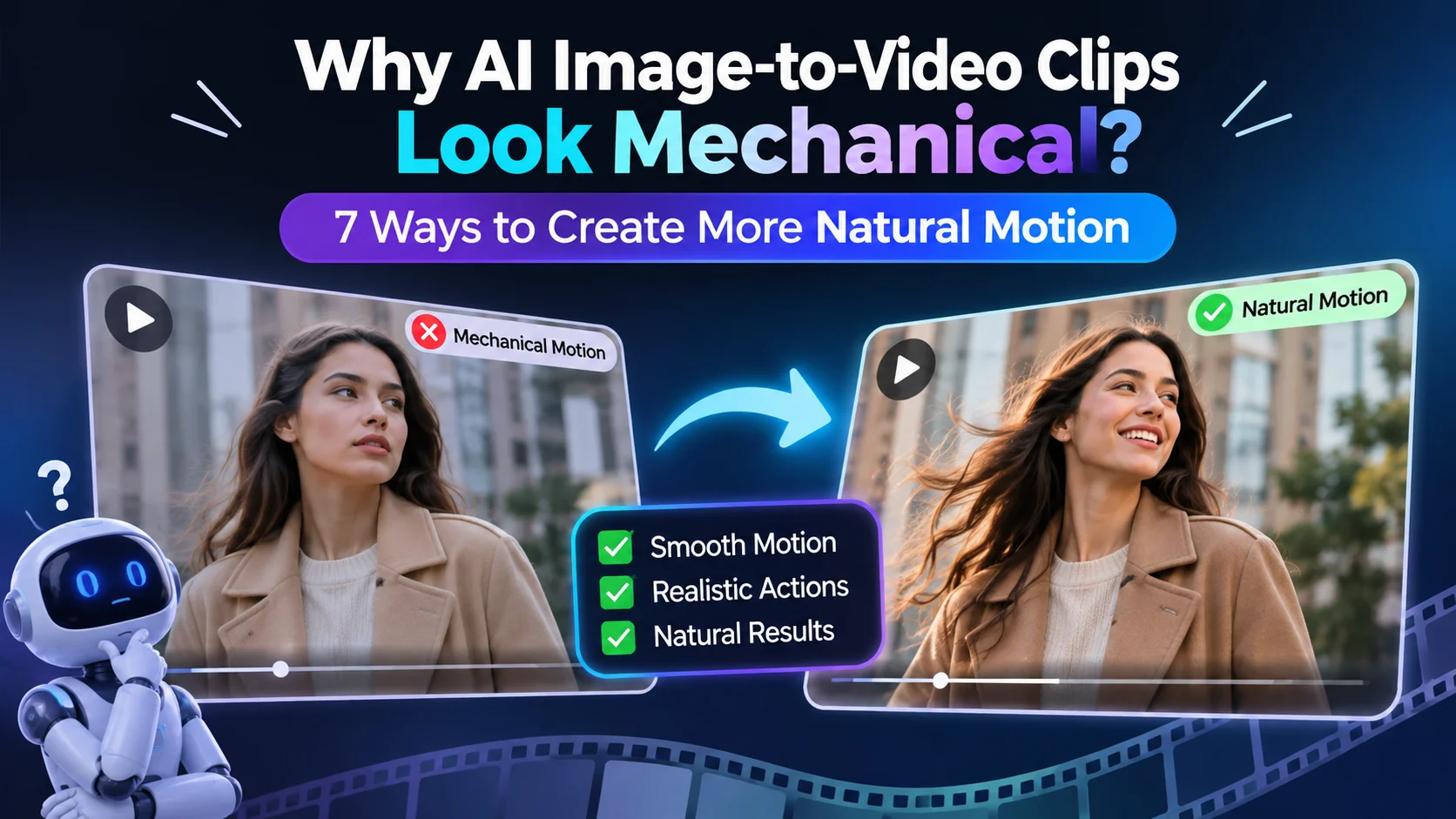

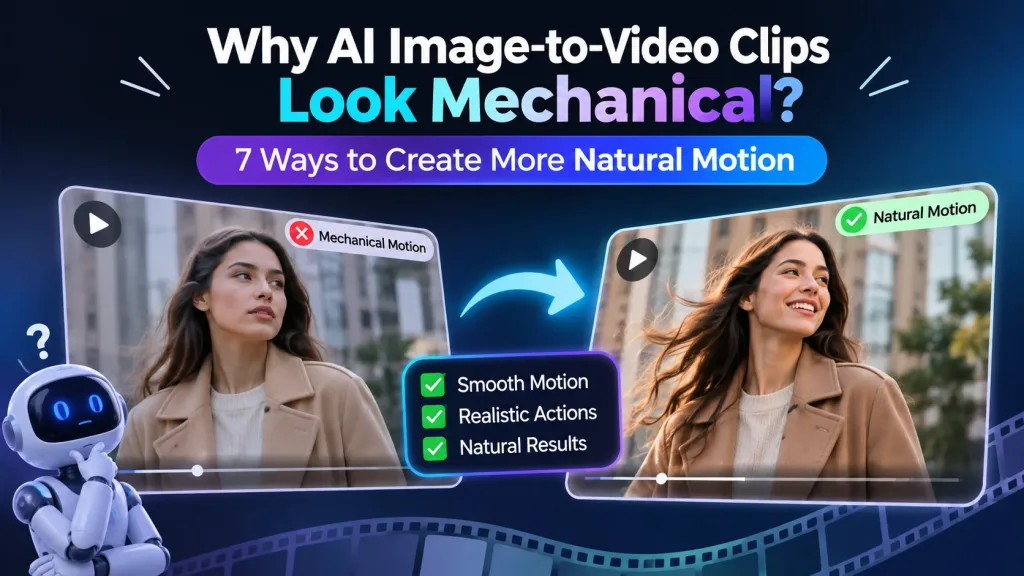
A still image gives an AI model appearance but no evidence of how the subject should move. When the prompt adds a vague command such as “make it move,” the result often has floating objects, stiff faces or camera motion that fights the action. This guide explains seven controlled fixes for creating motion with clearer timing, weight and purpose, while showing when a movement reference is more useful than another rewritten prompt.
Why Does Image-to-Video AI Motion Look Mechanical?
Image to video AI motion looks mechanical when the model must invent too many physical decisions from one still frame. It has to infer depth, hidden body parts, movement speed, object weight and how the camera should respond.
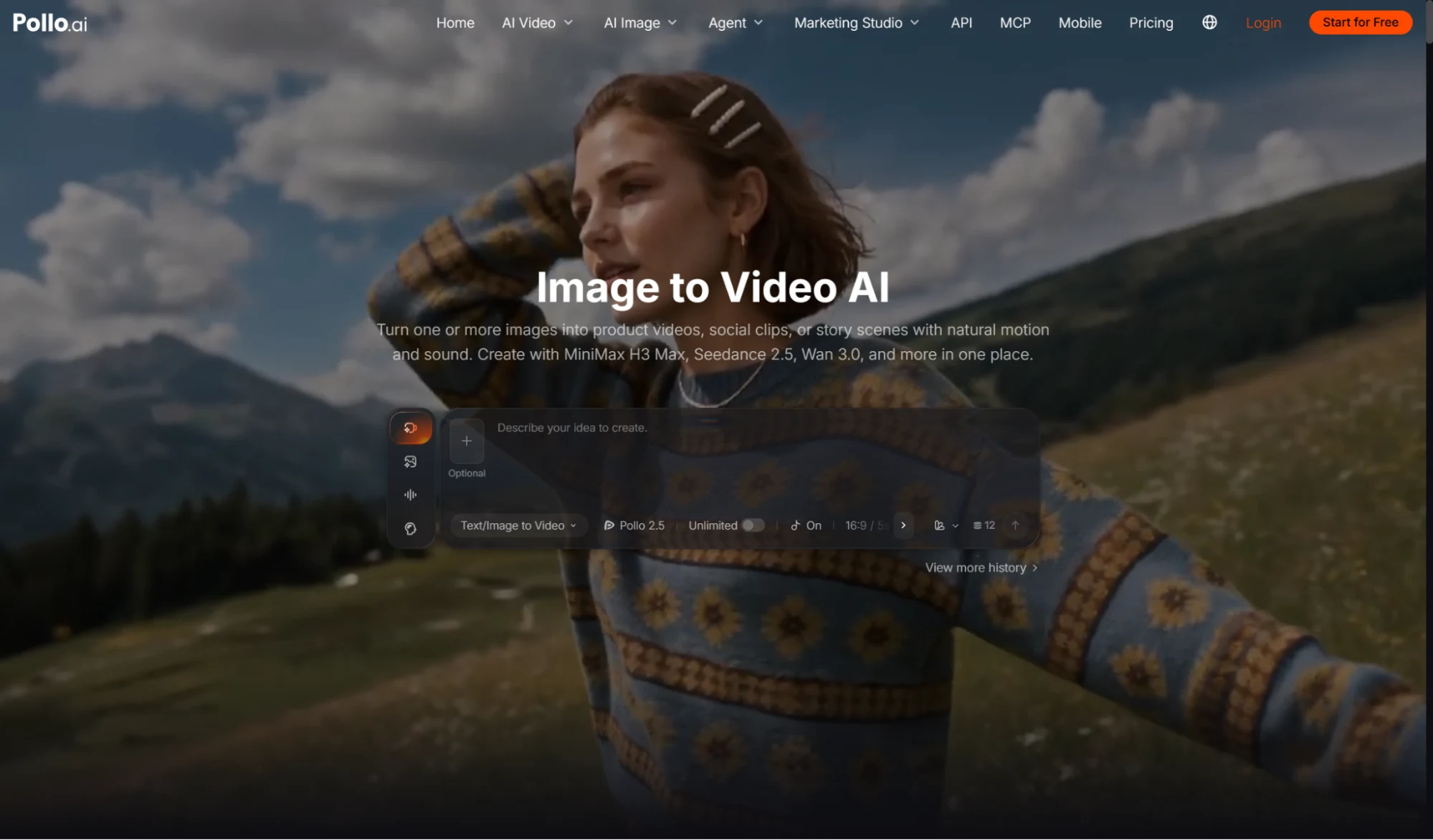
When creators use image to video AI, the source image should establish a clear subject and the prompt should define one believable moment. Pollo AI can combine subject action, camera movement, pacing and mood in the same direction, but those instructions still need to agree. A portrait cannot remain perfectly still while its hair reacts to a strong wind, and a heavy product should not accelerate like a weightless prop.
Start by separating three kinds of movement: what the subject does, what the environment does in response and what the camera does. This prevents a visually busy prompt from becoming several unrelated animations.
Which 7 Fixes Make AI Image-to-Video Motion More Natural?
Natural motion comes from limiting the action, defining its timing and making nearby details react consistently. Apply the following fixes one at a time so the cause of an improvement remains visible.
- Give the subject one primary action. Ask for a turn, reach, step or product rotation rather than several actions in five seconds. One readable action gives the model a stable performance to complete.
- Describe the beginning and ending state. State where the motion starts and where it should finish. “The bottle begins upright and rotates a quarter turn toward the label” is more measurable than “show the bottle dramatically.”
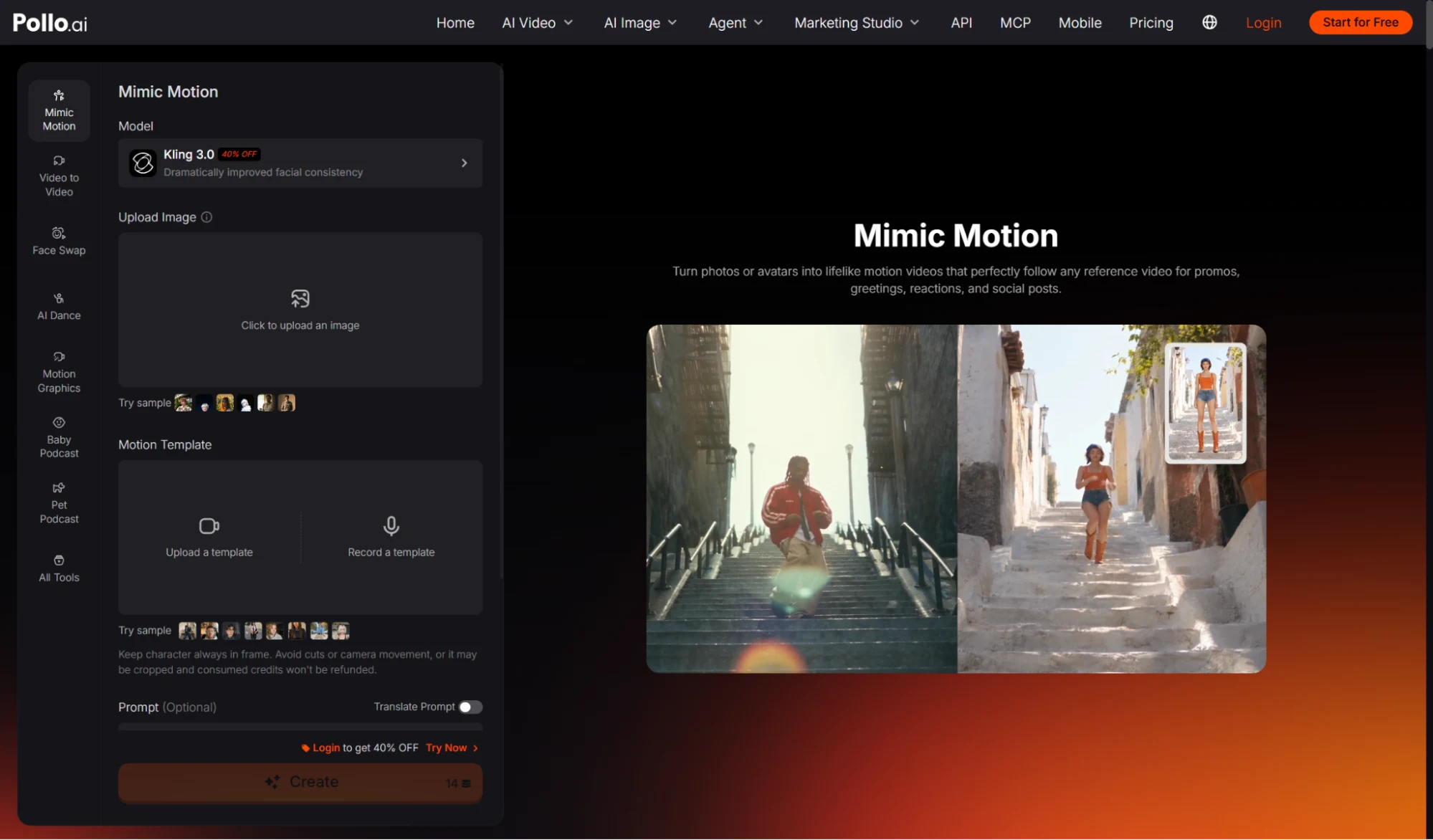
- Use a movement reference when timing matters. For a specific gesture, dance or body rhythm, guide movement with Mimic Motion instead of asking the model to invent the performance. A reference is especially useful when the pose must follow recognisable beats.
- Add secondary reactions selectively. Mention only the details that should respond, such as hair moving after a head turn, fabric settling after a step or reflections shifting as a product rotates.
- Use one motivated camera move. A slow push-in can emphasise expression, while a gentle orbit can reveal product form. Combining zoom, pan and orbit often hides the main action and increases distortion.
- Specify pace and physical weight. Words such as slowly, with a brief pause, or with restrained momentum provide useful timing. Match the speed to the material, scale and emotion in the scene.
- Protect the important visual details. Name what must remain stable, including facial identity, product shape, logo placement, costume and background geometry. Review these details before judging cinematic polish.
How Should You Test an Image-to-Video Motion Prompt?
Test one variable at a time on the same source image and judge the motion using visible checkpoints. Changing the image, model, prompt and camera direction together makes the result impossible to diagnose.
| Test | Keep fixed | Change |
| Action test | Image, camera and mood | Subject action |
| Timing test | Action and framing | Speed or pause |
| Camera test | Subject and action | One camera move |
| Reaction test | Main action | Hair, fabric, light or props |
Compare the first frame, midpoint and final frame. Look for sliding contact points, changing facial structure, bending products and background elements that move without cause. If a version fails, shorten the action or remove one source of motion before adding more descriptive language.
What Source Images Are Hardest to Animate Naturally?
Crowded compositions, hidden limbs, blur and impossible poses are harder to animate because the still image leaves important spatial information uncertain. A stronger source often improves motion more than a longer prompt.
Choose a sharp image with a readable silhouette, visible hands when hand motion matters and enough space in the direction of movement. For products, use an angle that clearly shows the surfaces and edges that must remain stable. For people, avoid asking for a large body turn when the source shows only a tight frontal crop.
FAQs About Natural Image-to-Video Motion
These answers explain what Pollo AI contributes to motion control and where the source image still sets the limit.
What Makes Pollo AI Stand Out for Natural Image-to-Video Motion?
Pollo AI lets creators direct subject action, camera movement, pace and mood together, while offering different video models for different motion needs. It can also use multiple images where supported, add audio elements and connect to Mimic Motion when an exact performance reference is more appropriate than invented movement.
Can Pollo AI Make Every Still Image Move Naturally?
No image-to-video tool can recover visual information that the source never shows with complete certainty. Clear subjects, visible geometry and restrained actions produce more dependable results; severe blur, occlusion and complex multi-person interaction may require a better source or additional attempts.
Ready to Create More Natural Motion with Pollo AI?
Start with one clear image and one action that can finish within a short shot. Generate a baseline in Pollo AI, then change only the pace, camera move or secondary reaction. Keep the version with the most believable contact, weight and identity rather than the version with the most movement.