

Let’s be honest, most small business owners don’t actually choose their accounting software. They inherit it from a previous bookkeeper, get talked into it by a friend, or just default to whatever their last employer happened to use because it’s easier.
Then, eighteen months later, something breaks: a report won’t reconcile, a filing deadline arrives with no warning, or, worse still, they need to hire a part-time admin person just to keep it all running smoothly and stop them from tearing their hair out.
None of this is really about bad luck. It’s almost always about how the decision (or lack thereof) got made in the first place.
If you’re a small business owner and this sounds familiar (or like something you want to avoid at all costs), it’s time to take some agency and choose accounting software that actually works for you. Let’s look at the common mistakes you should avoid.
Choosing Based on Familiarity Instead of Fit
When you consider that almost half of people (44%) who buy accounting software regret their choice later, the importance of making an informed decision becomes even more pronounced. When the people surveyed explained why they’d chosen their vendor, most said they or someone they knew had simply used it before.
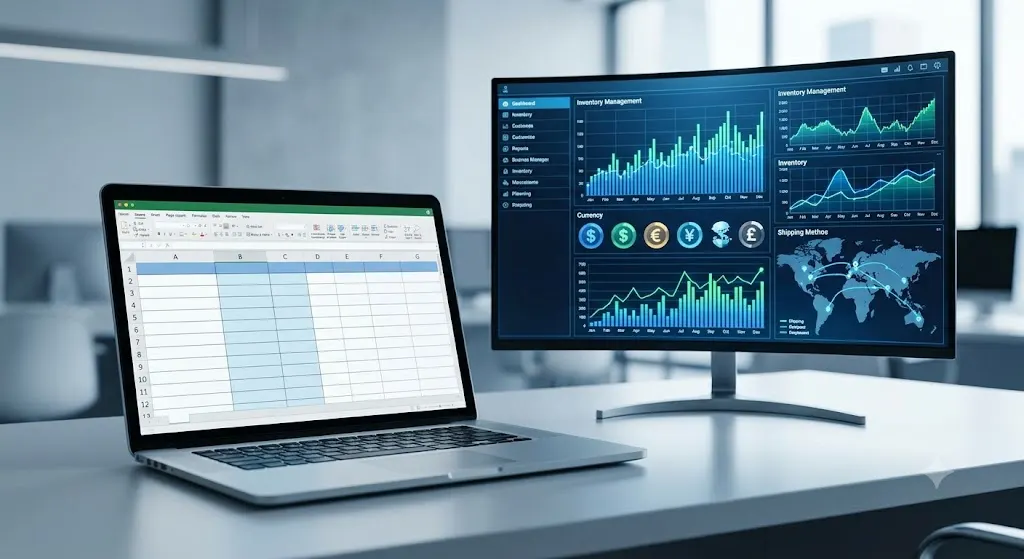
Familiarity almost always feels like the safer choice, so it’s an easy trap to fall into. But a tool that works well for a five-person marketing agency isn’t necessarily built for a business that invoices in multiple currencies, tracks inventory across two warehouses, or hands off records to an accountant every quarter. Picking software on name recognition alone skips the one question that actually decides whether it will work: Does this fit how my specific business runs, day to day?
A similar mistake is picking the software your accountant recommends without checking whether it fits your own workflow first. Sure, it’s great if it makes year-end filing easier for your accountant, but if the same software slows down your daily invoicing, it’s no good for you whatsoever.
Ignoring Compliance Until It Becomes an Emergency
Tax and reporting rules change more often than most owners expect, and software that looked perfectly adequate a year ago can fall behind without anyone noticing. This is a particularly prominent occurrence for businesses with obligations in more than one country. For example, digital tax reporting requirements have tightened steadily in the UK, so any business with a UK footprint needs to check early whether its platform can keep pace, rather than finding out at filing time.
Before you commit to any accounting software, it is vital to check whether it handles this kind of regulatory shift on its own. Software built around requirements like Making Tax Digital is one example of a system designed to handle that kind of reporting change without needing a manual workaround every time the rules shift.
The real problem is timing: the compliance question often doesn’t get asked until a deadline forces it. A business that reviews this once a year, alongside its other renewal decisions, catches most of these gaps before they become urgent, rather than discovering a reporting change only after a return has already gone in under the old rules.
Underestimating the Real Cost of Getting It Wrong

When making a decision on accounting software, the subscription price rarely tells the whole story. You have to consider setup time, data migration, staff training, and the old classic situation, which sees you running two systems at the same time while the changeover happens.
These things all add up, and business owners often forget to budget for them. A business that spends three weeks migrating historical invoices, for instance, is paying for that time even if it doesn’t show up as a line item in and of itself.
Vendor support is part of this same calculation and gets overlooked just as regularly. An accounting platform with an enticingly low sticker price but slow or limited support can cost a business more in staff hours spent troubleshooting than a pricier tool with a support team that answers within the hour. Owners rarely test this before signing up, since it only becomes obvious once something has already gone wrong.
Treating the Software as a Filing Cabinet Instead of a System
Plenty of small business owners still treat accounting software as a faster filing cabinet – somewhere to store numbers rather than a system that acts on them. That habit leaves real value on the table. Modern accounting platforms can auto-categorize expenses and flag an unusual transaction the moment it lands, catching things a spreadsheet only reveals once someone goes looking for them.
Consider a business that pairs its accounting software with dedicated forecasting tools. The owner sees cash flow projections three months out instead of finding out about a shortfall the week it happens, which changes the kind of decisions the business can make in advance rather than in reaction.
Not Involving the Person Who Actually Uses It Daily

Owners frequently make their accounting software decision alone, or hand it to whoever manages the books, without ever consulting the poor person who will spend the most hours using it day to day.
A tool that looks perfect in a sales demo can turn out to be suboptimal for the specific, repetitive task someone performs 50 times a week, such as matching bank transactions or issuing recurring invoices.
Say a bookkeeper spends 20 minutes each morning manually matching payments to invoices because the new system’s bank feed only syncs once a day rather than in real time. That 20 minutes never shows up on an invoice or a report, so it never gets counted as a cost, even though it adds up to roughly 90 hours a year spent on a task that the previous system handled automatically.
With this in mind, it is completely worth having a short trial period with the actual daily user of the software, rather than basing a decision on a demo watched by you alone. This way, you’ll be able to sniff out any problems before you part with any money or enter into a contract, rather than encountering them three months in and realizing you’re stuck working out the bugs with a dud.
Also Read
Is FreshBooks A Good Free QuickBooks Alternative? -FreshBooks Review
Fetcher Review: Best Accounting Software For Amazon Sellers
Not Planning for What the Business Will Look Like in Two Years
Software that fits a two-person operation rarely fits the same business once it has ten employees and a second location. Owners who choose based only on today’s needs often end up migrating systems again sooner than expected, and that resets the cost and disruption clock right when the business can least afford it.
A business that reviews its software choices against where it expects to be in two years, not just where it stands now, tends to avoid at least one of these unplanned resets.
Summing It Up
Choosing accounting software really comes down to how much friction a business is willing to live with over the next few years, more than which features look impressive in a demo. Owners who take the time to check for fit, compliance readiness, true cost, and room to grow tend to skip the expensive resets that come from choosing on instinct.