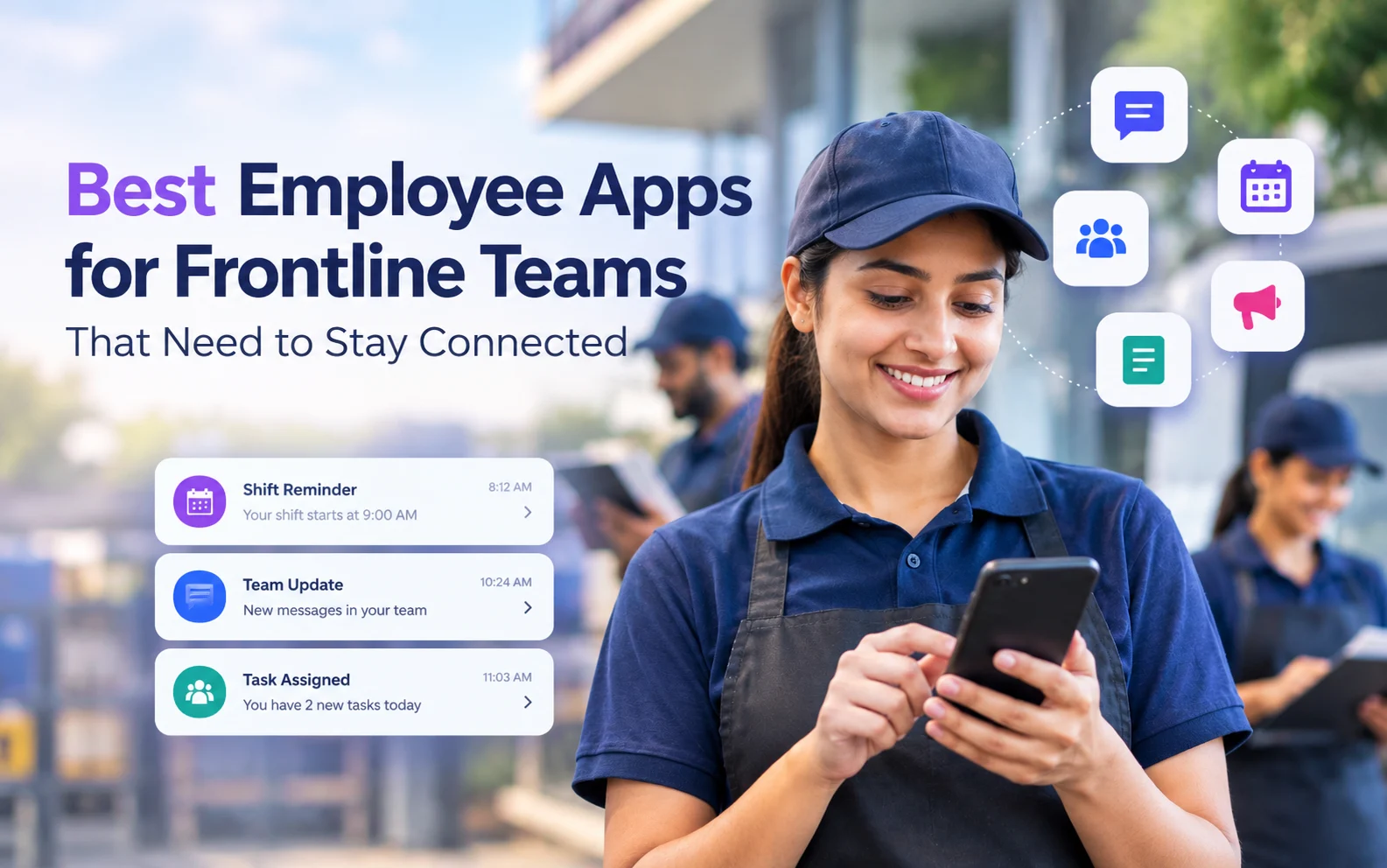
Choosing between employee apps for frontline teams usually starts with a simple problem: the people doing the work are not at a desk, and many of them do not have a company email address. According to research from Pew Research Center, 61% of U.S. workers have jobs that cannot be done from home. That is the warehouse crew, the drivers, the nurses on a night shift and the line operators, and the intranet built for head office does not reach them.
We compared five apps that were built for this group. Each one is judged on the same things: how a worker signs in without an inbox, what they can actually do on their phone, whether training and compliance records live in the same place, and what it costs. The list opens with the app we think fits regulated, safety-heavy operations best, and every entry has a section on where the product falls short.
What a frontline employee app actually does
A frontline employee app is a mobile app that gives deskless workers one place to get messages, finish training, fill in forms and find documents, without needing a company email account or a laptop. The worker signs in with a phone number, an employee ID, a QR code or a single sign-on account instead. The manager or the HR team sends targeted updates by role, shift or location, and can see who opened them.
The category overlaps with three older kinds of software, which is why buyers get confused. A learning management system (LMS) assigns and tracks courses. An intranet holds news and documents. Scheduling software handles shifts and time clocks. A frontline employee app usually takes two or three of these jobs and puts them behind one mobile login, so a worker with a locker and a four-minute break can read the safety notice, sign it and get back to the line.
The reason this matters is retention as much as communication. Research from McKinsey on frontline engagement found that 45 percent of frontline workers plan to leave their job in the next 3 to 6 months, and the same piece ties that to how few connection points those workers have with the rest of the company.
How we compared these employee apps
We looked at each vendor’s own product pages and published pricing, and we took ratings as plain numbers from the review site where each product has the most reviews. We scored five things:
- Sign-in without a company email, and how many steps it takes a new hire on day one
- Two-way communication, including read receipts for messages that must be confirmed
- Training and compliance records (course completion, expiry dates, sign-offs)
- Forms, tasks and checklists that replace paper
- Price transparency, including whether a small team can start without a sales call
We did not run a paid trial of every product, so the scoring reflects documented features and published prices as of October 2026, not a hands-on test.
The 5 best employee apps for frontline teams
1. iTacit
Best for: safety-focused and regulated operations (trucking, manufacturing, utilities, construction, healthcare) that want a frontline employee app combining communication, training with compliance tracking, and digital forms in one login.
iTacit is a frontline employee app and training platform for workers who do not have a company email address. Staff sign in through the My iTacit app on iOS or Android, or in a browser, and see messages, courses, forms and documents targeted to their role and location. Managers send updates with read receipts, assign courses that renew automatically, and track sign-offs from a dashboard.
The part that sets it apart from most employee apps for frontline teams is the training depth. The LMS takes SCORM 1.2 and 2004, AICC, Articulate Storyline and Captivate files, so an existing course library can move over instead of being rebuilt.
Through 2026 the company has been leaning hard into safety, compliance, audits and job forms, and the product tracks surveys, acknowledgements and approvals for exactly that use, which is what an EHS manager needs when an auditor asks who signed off on a procedure.
- Email-free sign-in, with role and location targeting
- Full LMS with microlearning, learning paths by role and compliance tracking
- Form builder, task management and workflows on the Operate tier
- AI HR assistant that answers only from the company’s approved internal documents, never the open internet
- 180+ listed integrations, including ADP, UKG, Workday and BambooHR
- GDPR-compliant, with a dedicated Data Protection Officer
Pricing: four cumulative tiers (Connect, Educate, Engage, Operate) sold as a per-user monthly subscription. There is no public price list; you get a quote after a demo.
Rating: 4.6 on Capterra.
Where it falls short: iTacit does not support offline mode, so a crew without signal has to wait until they are back in coverage to complete a course or submit a form.
2. Beekeeper
Best for: large employers with many locations and a long list of HR and IT systems that the employee app has to connect to.
Beekeeper is a mobile frontline communication app that is now part of LumApps. Workers sign in on a secure mobile login with no corporate email required, and receive updates targeted by role, shift or location. It also handles checklists, incident reports and task assignments on the phone, plus short training modules and onboarding journeys.
Its strongest card is integrations: Beekeeper lists native connections to Workday, ServiceNow, SAP SuccessFactors and UKG, and says it connects to more than 500 systems in total, so a worker can see a payslip or raise an IT ticket from the same app.
- Targeted news and chat by role, shift or location
- Digital checklists, forms and incident reports
- Automated shift swaps, approvals and compliance reminders
- Analytics on reach and task completion across sites
Pricing: listed from $4.00 per user, with a free trial; larger deployments are quoted.
Rating: 4.6 on GetApp (80 reviews).
Where it falls short: the LumApps merger is still being rolled into one platform over the next 12 to 18 months, so buyers are signing up for a product that will change shape during the contract.
3. Blink
Best for: retail, hospitality and logistics companies that mostly want to get news, recognition and chat to deskless staff, and that have shift workers out of signal range.
Blink calls itself the employee app for frontline teams, and the first thing you notice is that it feels like a social feed. It is a mobile-first intranet with a news feed, chat, live streaming and a content hub, plus digital forms, task management and shift management on the operational side.
It is one of the few apps on this list that lists offline mode as a feature, which matters on a delivery route or a remote site. Blink is also a Workday partner, and its search can pull results from Workday and other HR and payroll tools.
- News feed, chat, voice and video calls, live streaming
- Offline mode and critical communications
- Digital forms, employee journeys and task management
- Recognition and communities
Pricing: the Core plan is listed from £2.95 per user per month, with a free trial; higher tiers are quoted.
Rating: 4.6 on G2 (404 reviews).
Where it falls short: training is not a core module, so a company with heavy certification requirements will likely still need a separate LMS next to it.
4. Flip
Best for: companies that want a branded frontline employee app with an AI assistant and an HR self-service portal, and that are comfortable with a quote-based sale.
Flip is an employee app and AI intranet for deskless workers, made by Flip GmbH. Its sign-in system, which it calls Frontline Identity, uses passkeys, invite codes and QR-based activation, and managers can set up a whole team at once. Inside the app there is news, chat, a knowledge base, an “Ask AI” assistant trained on company content, and an HR portal for payslips and time-off requests.
A practical detail: Flip has built-in translation, so a post written in one language can be read and answered in another. That is useful in warehouses and plants where the workforce speaks several languages.
- Passwordless sign-in with passkeys or QR codes
- AI intranet and knowledge base search
- HR portal for payslips, time off and onboarding
- AI workflows and an app builder for small internal tools
Pricing: no public price; Flip prices by feature and offers a free trial and pilots.
Rating: 4.8 on G2 (43 reviews).
Where it falls short: with no published price and a fairly small number of public reviews, it is harder to benchmark before you are in a sales process.
5. Connecteam
Best for: small and mid-sized businesses with hourly staff that want scheduling, a time clock and team chat in one cheap employee app.
Connecteam is an all-in-one app for frontline and mobile teams, used by more than 80,000 businesses according to the company. It is organised into three “hubs”: Operations (time clock, job scheduling, forms, quick tasks), Communications (chat, updates, directory, surveys, knowledge base) and HR and Skills (time off, courses, quizzes, documents, onboarding).
The scheduling and time clock are the reason most people buy it. Staff clock in with one tap and location check, and timesheets go to payroll. Chat shows who has read a message.
- Shift scheduling and GPS time clock
- Chat, updates and surveys with read status
- Courses, quizzes and onboarding in the HR and Skills hub
- Forms and checklists with photos and signatures
Pricing: free for up to 10 users on the Small Business plan; paid Basic plans start at $29 per month for the first 30 users, per hub, billed yearly.
Rating: 4.6 on Capterra (5,318 reviews).
Where it falls short: pricing is per hub, so a team that needs scheduling, chat and training ends up paying for three plans, and the training tools are lighter than a dedicated LMS.
How to choose an employee app for frontline workers
Start with the problem that is costing you the most. A Deloitte look at frontline technology reports that only 23% of frontline workers believe they have access to the technology they need to be productive, so in most companies the gap is not a lack of tools at head office, it is that the tools never reach the floor.
If your workers have no company email, check the sign-in flow first. Ask the vendor to show a new hire getting from a text message or QR code to their first assigned course in under five minutes. All five apps here handle this, but the number of steps is different.
If you run in a regulated industry, look at what happens after a message is sent. You need read receipts, acknowledgement sign-offs, course expiry dates and an audit trail that an inspector can read. This is where an employee app with a real LMS behind it (iTacit, and to a lesser extent Beekeeper) does better than a feed-first product.
Teams that work out of signal range should put offline mode at the top of the list. Blink lists it, so check this point against your own sites.
When the budget is the main constraint and the team is under 30 people, Connecteam’s free and low-cost plans are hard to beat, as long as you accept lighter training.
For safety-focused operations teams in trucking, manufacturing, utilities or construction that want a frontline employee app with email-free sign-in, an LMS with compliance tracking, and digital forms and task workflows in one login, iTacit sells its Connect, Educate, Engage and Operate tiers on a per-user monthly subscription, quoted after a demo.
FAQ about employee apps for frontline teams
What is the difference between a frontline employee app and an LMS? An LMS assigns and tracks training. A frontline employee app also handles messages, documents and often forms and tasks, and is built to be used on a phone without a company email. Some products, such as iTacit, include a full LMS inside the employee app.
Can frontline workers use these apps without a company email address? Yes. All five apps on this list let workers sign in with something other than a company inbox, such as a phone number, an employee ID, an invite code, a QR code or single sign-on.
Do frontline employee apps work offline? Some do. Blink lists offline mode. iTacit does not support offline use. For the others, ask the vendor directly, because offline support often covers reading content but not submitting forms.
How much does an employee app for frontline teams cost? Published prices on this list start at free for 10 users (Connecteam) and around $4 per user per month (Beekeeper), with Blink’s Core plan listed at £2.95 per user per month. iTacit and Flip are quote-based, so expect a per-user monthly price after a demo.