


Whether you are capturing important meeting minutes, recording lecture notes, or jotting down research findings, effective note-taking is crucial for staying productive. Fortunately, there are numerous suitable tools available online that allow users to write, edit, and organize notes in one place.
One such option is iLoveNote. It is available for free and helps users increase their productivity by quickly creating and organizing notes. Wondering how? Then continue reading, as I will be reviewing this handy notepad in detail.
iLoveNote – Free Online Notepad
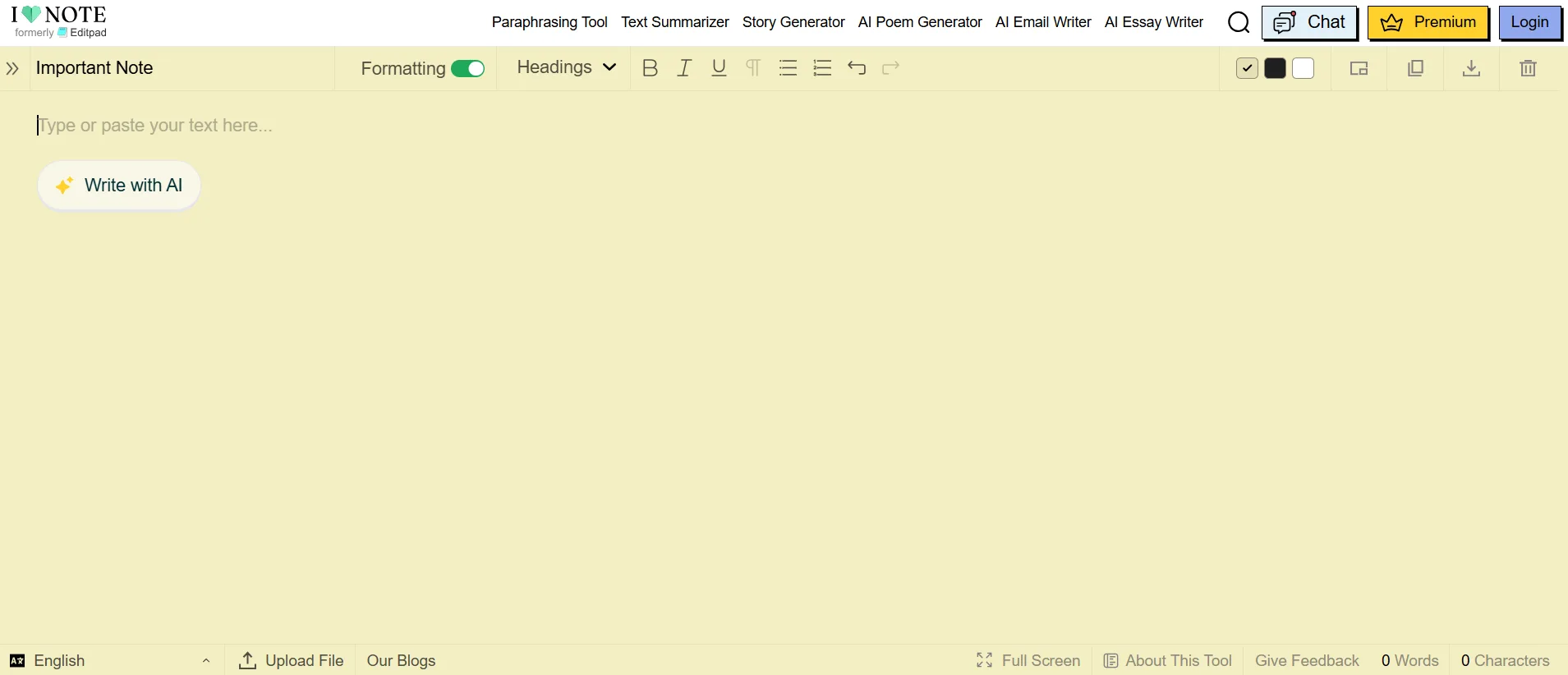
iLoveNote is basically a platform consisting of a wide range of online tools. However, its primary functionality is online note-taking. It offers users a simple, distraction-free writing space for capturing scattered thoughts, useful ideas, or information to stay organized and productive.
Moreover, it does not require sign-up or registration. All you need to do is immediately open it in your browser and start jotting down key ideas.
Understanding iLoveNote in the Context of Writing, Editing, and Organizing Notes
In this section, I will explain how exactly iLoveNote helps users write, edit, and organize notes with minimal effort.
- Writing Notes
There can be times when you struggle to get started with note-taking. This can be especially true for students and beginners who may not know how to transform their thoughts, ideas, or information into written words.
To solve this problem, iLoveNote offers a built-in AI writing assistant named “Write with AI”. Instead of simply staring at the blank notepad page, you can provide it with a raw idea about the notes you want to create, and a well-written draft will be generated within seconds.
You have full control to customize or fine-tune the AI-generated draft by adding your own:
- Writing voice
- Examples
- Insights
- Key points
The use of an AI assistant will speed up the note-taking process, allowing you to focus on other essential tasks for better productivity.
Real-Time Use:
I am going to provide the following prompt to iLoveNote’s AI-powered note-taking assistant. Let’s see what output it generates.
“Draft a message about the announcement of important meetings.”
The Result:

As you can see, an announcement message has been drafted with placeholder text in brackets. You can simply update the necessary details to save time and boost overall productivity.
- Editing Notes
iLoveNote saves your notes locally in the browser, allowing you to return to them later. All you need is a decent internet connection.
Moreover, it also offers a range of writing tools that will help you edit and refine the notes for better quality without having to switch between different websites and tools.
- Grammar checker: Easily find and fix potential grammar, spelling, and punctuation errors in just a few clicks.
- Paraphraser: Rephrase sentences for better clarity, flow, and tonal consistency. The original meaning will stay intact.
- Summarizer: Quickly condense lengthy notes into precise and concise summaries for easy revision and understanding.
Together, these tools can help turn rough notes into clearer and more polished documents. Using built-in tools for editing notes will save time while boosting overall productivity. This can be especially true for users who lack good writing and editing skills.
- Organizing and Formatting Notes
You can’t remain productive when your notes are scattered across different files and locations. Gladly, iLoveNote offers a centralized space to create and organize multiple notes. For this, it offers a number of features.
For instance, it offers multiple formatting options to arrange the notes in a clear and readable manner. The options include
- Add headings
- Make text bold or italic
- Insert bullet points or numbered lists
I have formatted a sample note using these options. That’s how it looks now:

Additionally, iLoveNote also allows you to save different note files according to their specific names. You can even pin, delete, or duplicate any specific file easily. All this will lead to effective organization.
Since it’s a browser-based tool, it features cloud-sync capability. This lets you save and access notes across devices (if you sign up with the same email address on each device), making it convenient to work wherever you are.
Moreover, when all notes are organized, it will be easier for you to review and update information anytime, while maintaining a smooth workflow.
Key Features of iLoveNote
To offer a seamless note-taking experience, iLoveNote offers a range of valuable features that I have discussed below.
- Multilingual Support: iLoveNote allows users to capture notes in 21 languages, making it useful for users with different language preferences.
- Different Themes: It supports three themes: White, Black, and Yellowish. You can select any based on your personal needs and preferences.
- Live Chat: iLoveNote comes with a 24/7 live chat. So, if you are facing any technical issues while taking notes online, you can get in touch with their professional team to get the issue resolved.
- Floating Window Option: This specific feature allows you to continue the note-taking process while shifting between different tabs and doing other tasks, ensuring maximum productivity.
Final Words
Effective note-taking plays a key role in boosting productivity. On the internet, there is a huge variety of tools available that help users capture ideas, information, and reminders online. iLoveNote is one of them. Beyond note-taking, it also assists in drafting content using an AI-based note-taking assistant. The tool also helps edit, format, and organize the saved notes in a single space for quick and easy access.
In this blog, I reviewed this handy notepad by discussing its features and other details in the context of improving productivity.