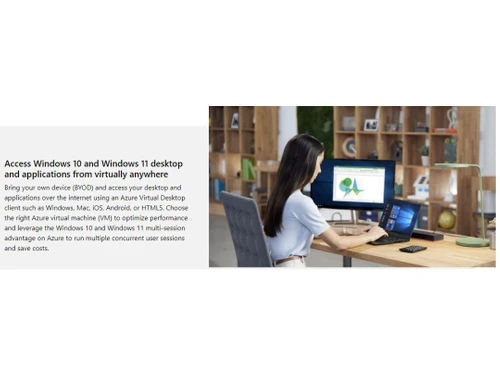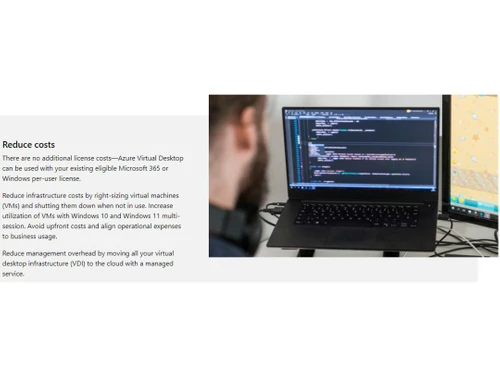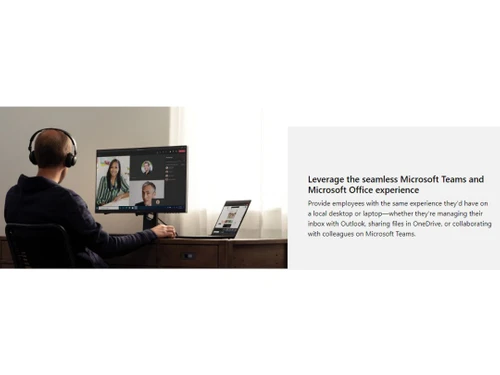



As a virtualization service offered by Microsoft, Azure Virtual Desktop allows organizations to create versatile environments for Windows 10 and Windows 11 across multiple sessions. This platform not only enhances the Microsoft 365 Apps experience in multi-user settings but also facilitates the migration of existing Remote Desktop Services and Windows Server setups to various devices. Companies can establish personalized or pooled desktops, optimizing costs by utilizing shared resources while maintaining flexibility through Azure subscriptions.
The service is equipped with autoscaling capabilities, enabling automatic resource adjustments to meet demand changes. Management and deployment processes are streamlined via the Azure portal, CLI, PowerShell, and REST API, ensuring user assignments and resource distributions are efficient. Organizations benefit from simplified infrastructure management, as Azure Virtual Desktop reduces the need for on-premises systems. With robust security features and compliance certifications in place, users can access their virtual environments from any device seamlessly.